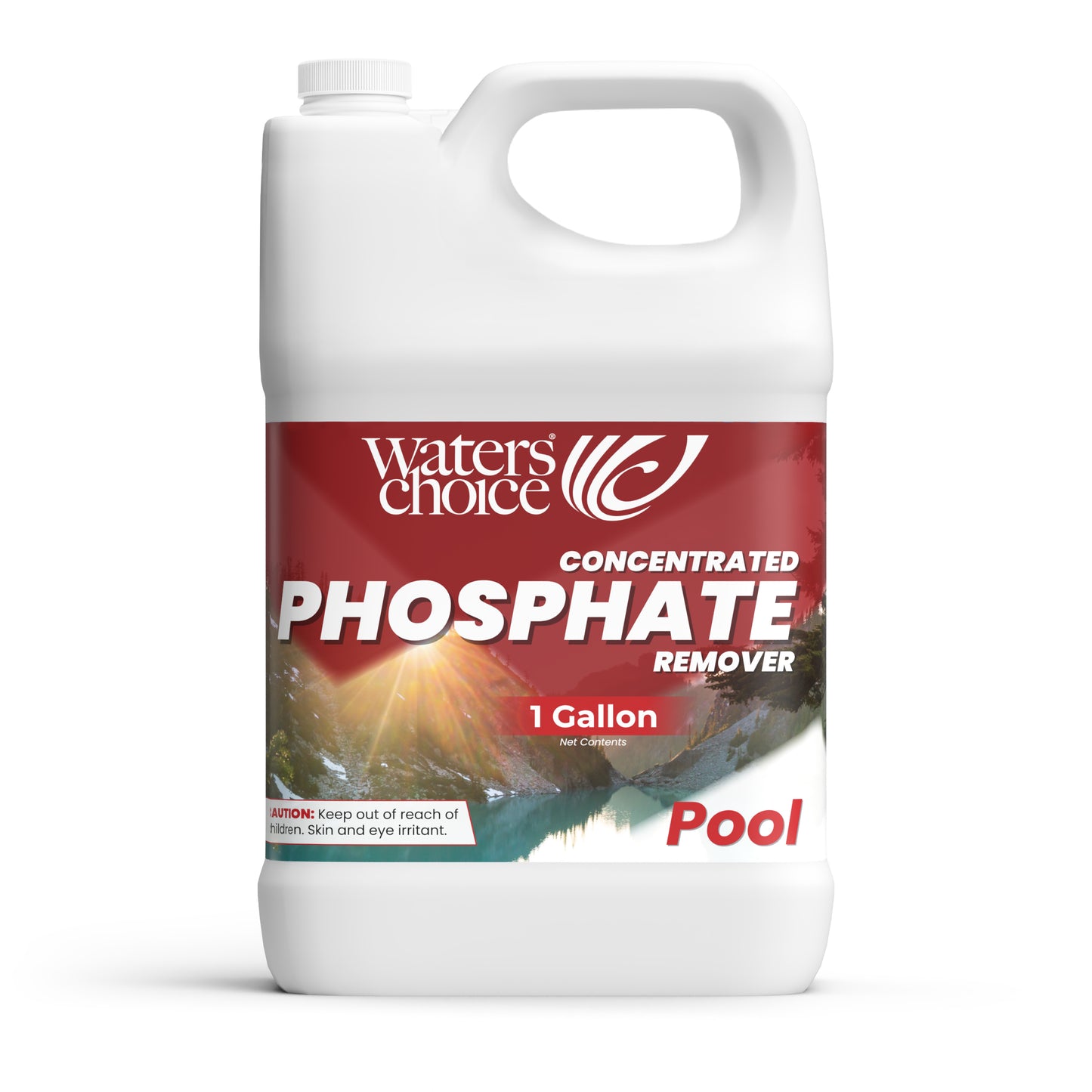


1 Gallon Pool Phosphate Remover
1 Gallon Pool Phosphate Remover
Couldn't load pickup availability
Understanding Phosphates
Phosphates are chemical compounds that act as fertilizer for algae in your pool water. Left untreated, they fuel algae growth that clouds your water and creates maintenance headaches.
Our Concentrated Phosphate Remover: Maximum Power, Fast Results
We've formulated our concentrated phosphate remover with lanthanum chloride—the most effective ingredient available for eliminating phosphates from pool water.
What to Expect
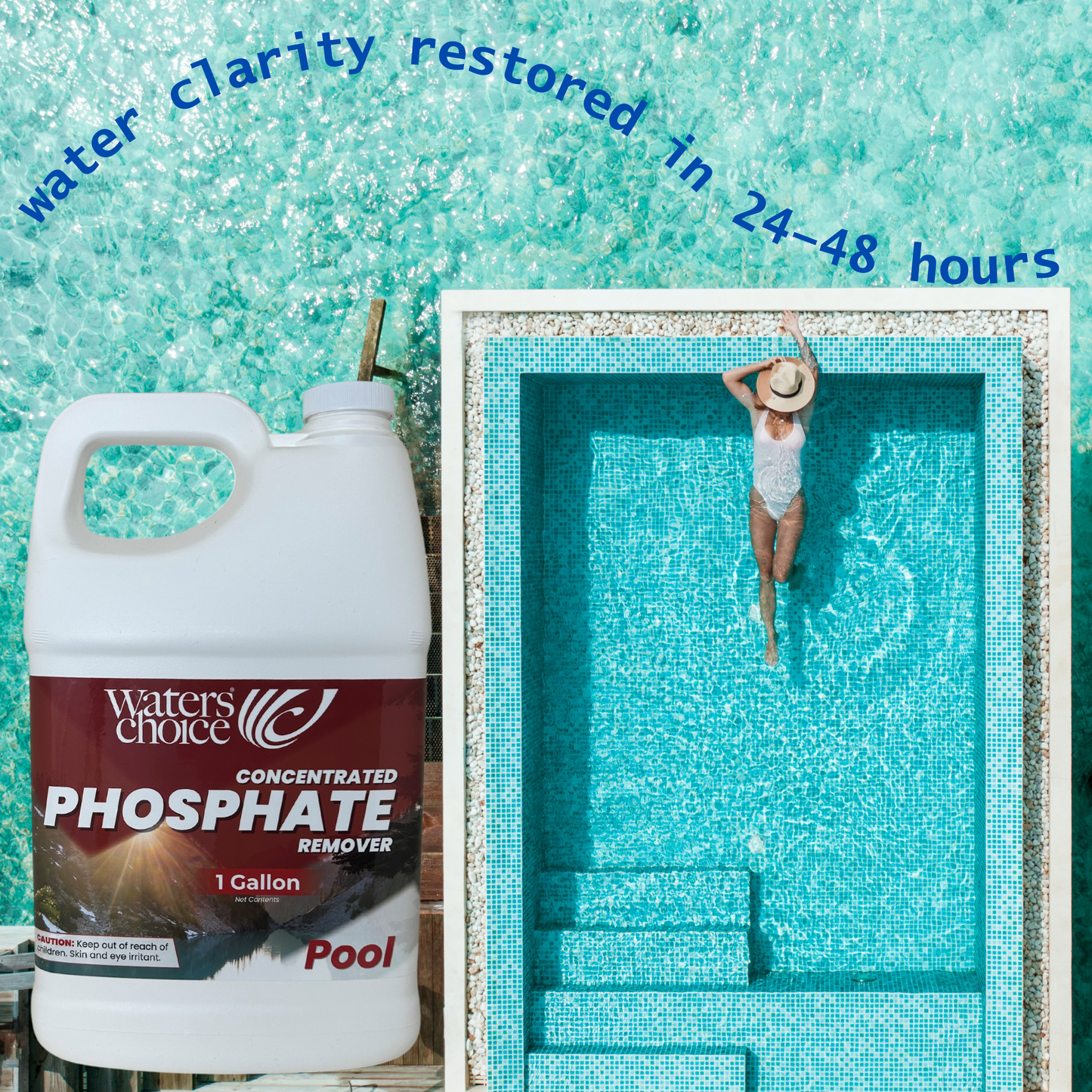
When you add the remover, you may notice temporary white cloudiness where phosphates are present. This is actually a good sign—it means the product is working! The cloudiness typically clears within 24-48 hours, depending on your initial phosphate levels.
Here's what's happening: our formula reacts instantly with all phosphate types, binding them into particles your filter can trap and remove. Once filtered out, those phosphates are gone for good—giving you cleaner, clearer water that's naturally resistant to algae growth.
Simple application, powerful protection.
Follow the chart as recommended:
|
Reduction in Phosphate | |||
| 2,000 ppb | 5,000 ppb | 10,000 ppb | ||
| 5,000 | 4 oz | 8 oz | 16 oz | |
| 10,000 | 8 oz | 16 oz | 32 oz | |
| 20,000 | 16 oz | 32 oz | 64 oz |
· Start with all levels in the proper ranges and freshly cleaned/backwashed filter.
· Add to water using dosage chart. Apply to as much of the surface as possible.
· Run filtration system for 24-48 hours. Water will turn milky color indicating higher levels of phosphates. Do not swim if water is cloudy. If filter pressure raises 10 psi clean or backwash filters.
· After 48 hours clean or backwash filters again and retest. Re-apply if needed.
First Aid: If in eyes rinse the water. Remove Contacts if worn and continue to rinse thoroughly. Call a physician if irritation persists. On skin: Wash thoroughly with plenty of water.
If swallowed: Contact a physician immediately. Contains Lanthanum Chloride. If conscious, consume large quantities of water or milk.
Instructions - Please Click
Instructions - Please Click
FAQs - Please Click
FAQs - Please Click